Author: isaac

  • Mastering Cordova Plugin Development for Cross-Platform Compatibility

    Building a robust, cross-platform mobile app often means working with multiple ecosystems. Cordova simplifies this by allowing developers to build apps using familiar web technologies like HTML, CSS, and JavaScript. But to extend functionality or integrate with native features, creating custom plugins becomes essential. This guide walks you through everything from setting up your development environment to publishing your own Cordova plugin. Whether you’re just starting or refining your skills, you’ll find practical steps and insights to make your plugin development journey smooth and effective.

    Key Takeaway

    Mastering Cordova plugin development involves understanding native code integration, creating a reliable JavaScript interface, and deploying your plugins with best practices. This guide offers actionable steps to help you build cross-platform plugins that enhance app functionality and user experience.

    Understanding the core of Cordova plugin development

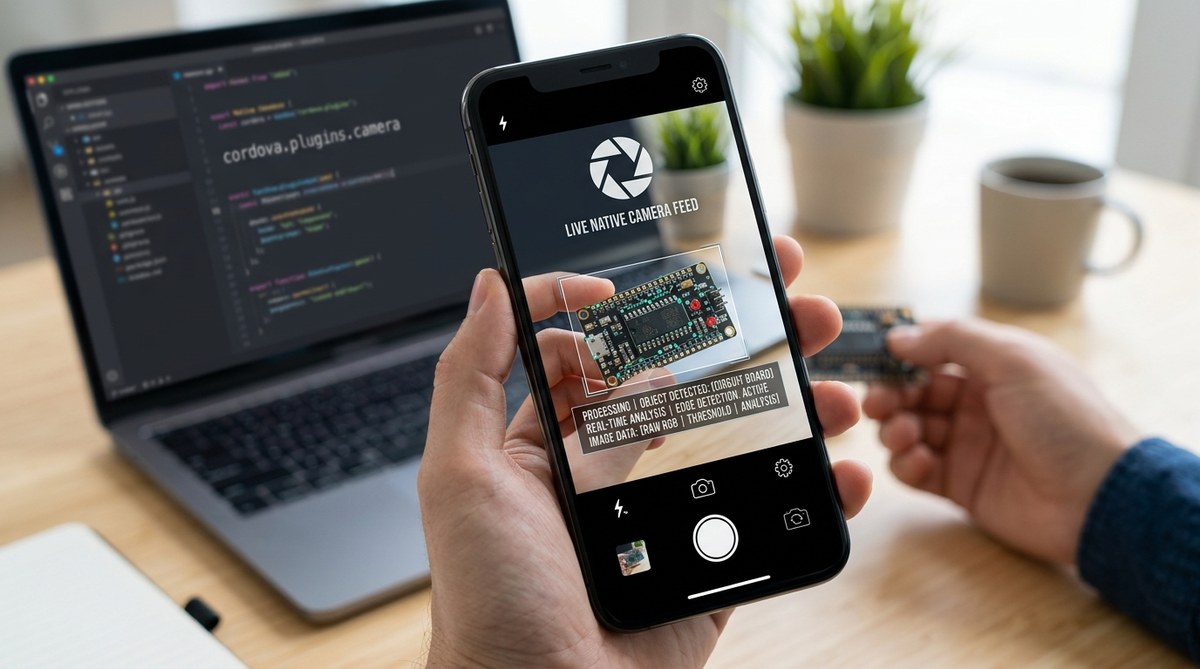
    Cordova plugins act as bridges between web-based code and native device functionalities. They enable your app to access features like camera, GPS, or contacts, which are otherwise inaccessible through standard web APIs. Developing a plugin requires a good grasp of both web development and native programming languages such as Java, Objective-C, or Swift. The process involves designing a JavaScript interface, writing native code, and ensuring seamless communication between the two layers.

    Setting up your development environment

    Before coding, prepare your workspace to handle multiple platforms and languages.

    1. Install Node.js and npm. These are crucial for managing Cordova and plugin dependencies.
    2. Install Cordova CLI globally using npm with the command npm install -g cordova.
    3. Set up Android Studio and Xcode for Android and iOS native development respectively.
    4. Create a new Cordova project to test your plugins. Use cordova create myApp and add platforms with cordova platform add android and cordova platform add ios.
    5. Familiarize yourself with plugin structure and Cordova’s plugin registry.

    Creating your first Cordova plugin

    Follow these steps to develop a basic plugin:

    1. Generate the plugin scaffold with cordova plugin create my-plugin.
    2. Within the plugin directory, define the plugin’s metadata in plugin.xml. This file specifies how Cordova ties your native code to JavaScript.
    3. Write native code for each platform:
    4. For Android, create Java classes implementing the plugin’s functions.
    5. For iOS, write Objective-C or Swift classes.
    6. Develop a JavaScript interface that calls native methods. This code acts as the bridge, making plugin functions accessible to your app.
    7. Register your plugin in plugin.xml, linking native code, JavaScript, and platform specifics.
    8. Test your plugin locally by adding it to your app with cordova plugin add ../my-plugin.

    Developing the JavaScript interface

    The JavaScript layer is crucial for ease of use and maintainability. Keep these best practices in mind:

    • Use promises or async/await for asynchronous calls.
    • Provide clear error messages.
    • Document all functions and parameters.
    • Avoid bloated code; focus on essential methods.

    Here’s a simple example of a plugin interface:

    cordova.exec(
      successCallback,
      errorCallback,
      'MyPlugin',
      'doNativeAction',
      [param1, param2]
    );
    

    Handling native code and platform-specific nuances

    Native development varies across iOS and Android. Be aware of:

    • Android permissions and activity lifecycle.
    • iOS app sandboxing and memory management.
    • Differences in APIs and hardware access methods.
    • Compatibility issues with different OS versions.

    Use conditional code in plugin.xml to handle platform-specific implementations. Test on multiple devices to identify issues early.

    Validating and testing your plugin

    Testing ensures your plugin works reliably:

    • Use cordova plugin add to include your plugin in the app.
    • Write unit tests for JavaScript interfaces.
    • Use device simulators and real devices to test native functionality.
    • Debug native code using Android Studio or Xcode.
    • Validate plugin behavior during app lifecycle events.

    Publishing your Cordova plugin

    Once tested, publish your plugin to make it accessible to others:

    1. Ensure your plugin.xml is complete and accurate.
    2. Prepare documentation on installation, usage, and troubleshooting.
    3. Register an account on npm or GitHub.
    4. Publish your plugin following Cordova’s guidelines.

    Publishing not only shares your work but also invites community feedback for improvements.

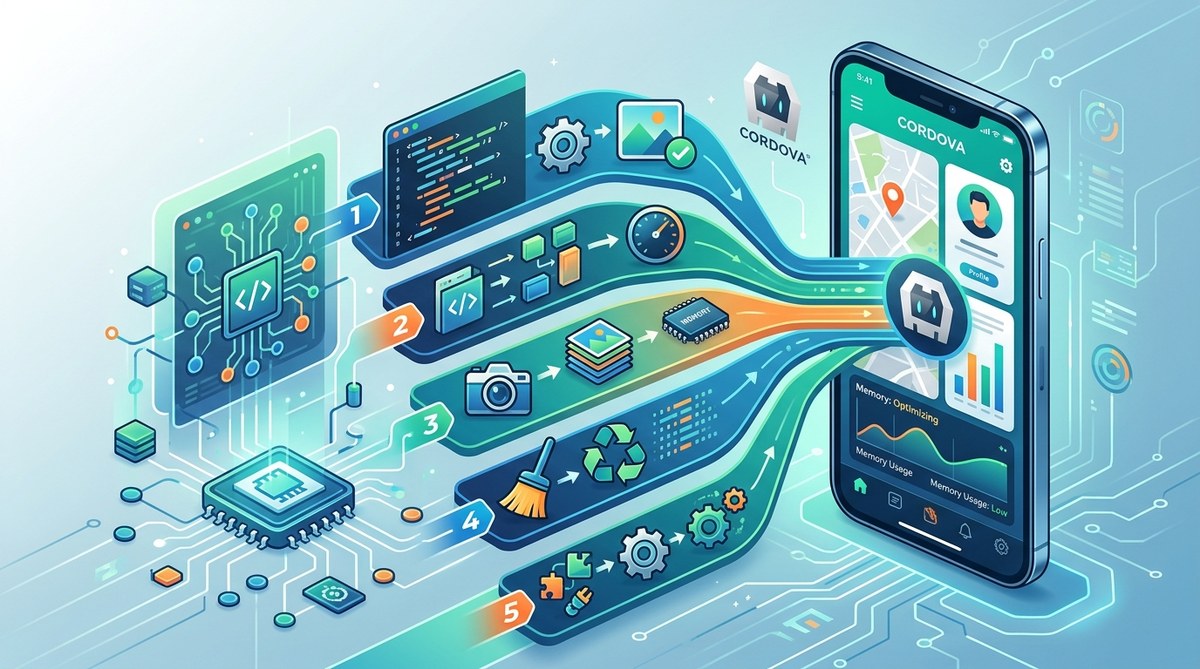
    Best practices for optimizing plugin performance

    To keep your app responsive:

    • Minimize native code complexity.
    • Cache data where possible.
    • Avoid blocking the main thread.
    • Use platform-specific code only when necessary.
    • Keep native dependencies up to date.

    Regularly profile your app to identify bottlenecks and refine your plugin.

    Common pitfalls and how to avoid them

    Technique Mistake Solution
    Proper plugin registration Forgetting to register platform-specific code Double-check plugin.xml entries
    Platform-specific code handling Writing code only for one platform Use conditional statements in native code
    Error handling Not managing plugin errors Implement comprehensive error callbacks
    Testing Skipping tests on real devices Always test on actual hardware for native features

    Expert tip: Always keep your plugin’s native dependencies minimal. Complex native code can lead to bugs and slowdowns. Focus on essential features and optimize native interactions.

    Maintaining and updating your plugin

    Post-launch, your plugin requires ongoing support:

    • Fix bugs reported by users.
    • Update for new OS versions.
    • Add features based on user feedback.
    • Keep dependencies current.
    • Document changes thoroughly.

    Engage with the community by sharing your plugin on repositories like GitHub and encouraging contributions.

    Wrapping up the art of Cordova plugin development

    Creating effective plugins extends your app’s capabilities beyond basic web views. It requires a blend of web skills and native programming. By systematically setting up your environment, building clear interfaces, and testing thoroughly, you can develop plugins that deliver native-like performance. Remember, the key to successful plugin development lies in simplicity, testing, and community engagement. Now, armed with this guide, start building plugins that make your cross-platform apps more powerful and user-friendly.

    <|endofcontent|>