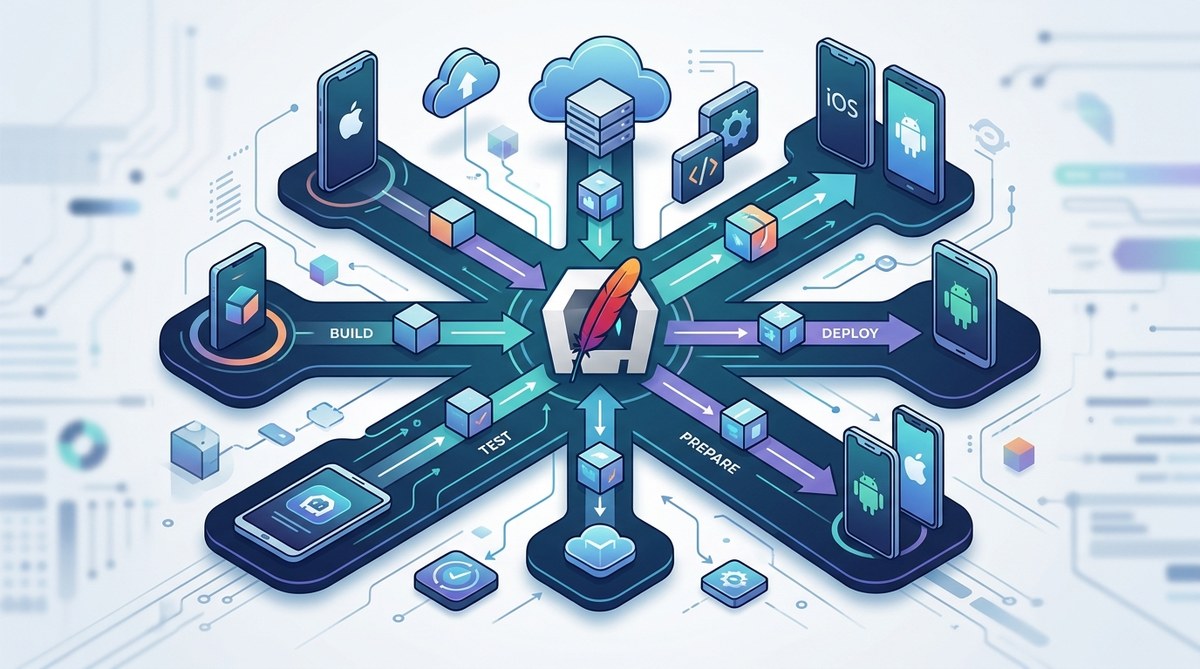
Deploying Apache Cordova apps efficiently requires more than just building and testing. It involves understanding platform-specific nuances, optimizing performance, and choosing deployment methods that suit your project’s needs. Whether you’re aiming for the Apple App Store, Google Play, or enterprise distribution, having a solid deployment strategy can save you time and prevent headaches down the line. Let’s walk through proven approaches and best practices for deploying Cordova applications seamlessly.
Summary of key deployment strategies for Cordova apps
Effective Cordova app deployment hinges on understanding platform requirements, automating build processes, optimizing for performance, and ensuring security. Tailoring your strategy to target app stores or internal distribution channels can streamline updates and improve user experience. Using tools like Cordova CLI and CI/CD pipelines helps maintain consistency across releases, making deployment smoother and more reliable.
Understanding the core of Cordova deployment
Cordova applications are inherently cross-platform, but each platform (iOS, Android, Windows, etc.) has unique deployment processes. Knowing these differences is key to deploying successfully. A good strategy combines automated build tools, platform-specific adjustments, and thorough testing.
Your deployment process begins with preparing your app for release. This involves configuring platform settings, signing your app, and testing across devices. Once ready, you can choose how to distribute your app: through app stores, enterprise channels, or direct downloads.
Setting up your deployment environment
Before deploying, ensure your environment is fully prepared.
- Install necessary SDKs and tools: For Android, install the Android SDK and Java Development Kit. For iOS, install Xcode. Make sure your Cordova CLI is up to date.
- Configure platform-specific signing: Android apps require a keystore for signing, while iOS apps need provisioning profiles and certificates.
- Automate build processes: Use Continuous Integration (CI) tools such as Jenkins, GitHub Actions, or Azure DevOps. Automating reduces manual errors and accelerates releases.
1. Prepare your app for release
Start by cleaning up your project:
- Remove debug logs and unused plugins.
- Optimize images and assets.
- Test on multiple devices to identify platform-specific issues.
- Increment version numbers and update build configurations.
Create release builds with commands like:
cordova build --release --platform=android
cordova build --release --platform=ios
For Android, generate a signed APK or AAB file. For iOS, archive the app using Xcode and upload via Application Loader or Xcode.
2. Choose your deployment channels
Deciding where to push your app depends on your audience:
- Public app stores: Google Play, Apple App Store, Microsoft Store.
- Enterprise distribution: Internal corporate apps using Mobile Device Management (MDM) tools.
- Direct downloads: Hosting on your website or third-party app marketplaces.
Each channel has its own submission process, approval requirements, and update procedures.
3. Automate deployment workflows
Automation is your best friend for consistent releases. Here’s a simple process:
- Push code to your version control system.
- Trigger your CI/CD pipeline.
- Run tests and build platform-specific binaries.
- Sign and package the app.
- Upload to the respective store or distribution platform.
- Notify your team or users.
Many developers use fastlane for iOS and Android deployment automation, simplifying code signing, screenshots, and app store uploads.
4. Handle app store submissions
Navigate the specific requirements of each store:
- Follow the guidelines for app icons, screenshots, and descriptions.
- Complete compliance checks, including privacy policies.
- Submit binaries for review and address feedback promptly.
Once approved, your app becomes available for download. Remember, updates go through a similar process and should be tested thoroughly beforehand.
5. Manage updates and versioning
Keeping your app current improves user experience and security. Automate version increments and changelog updates. Use semantic versioning to track major, minor, and patch updates clearly.
When deploying updates:
- For Android, upload new APKs or AAB files via the Google Play Console.
- For iOS, submit new builds through Xcode or Transporter.
- For enterprise apps, push updates through your MDM system.
6. Monitor and troubleshoot post-deployment
Deployments are not the end. After release, monitor app performance and crash reports. Use tools like Firebase Crashlytics or Sentry to catch issues early. Gather user feedback to plan future improvements.
Common pitfalls and how to avoid them
| Technique | Mistake to Avoid | Explanation |
|---|---|---|
| Automating builds | Skipping testing | Automated processes save time but neglecting testing can lead to faulty releases. Always include testing stages. |
| Signing apps correctly | Using debug keys | Deployment requires production keys. Using debug keys can cause rejection or security vulnerabilities. |
| Managing versioning | Incrementing versions manually | Automate version updates to prevent errors and mismatched versions. |
| Handling platform differences | Ignoring platform-specific configs | Each platform has unique requirements. Neglecting these leads to rejected submissions or runtime issues. |
| Using outdated tools | Not updating SDKs | Outdated tools can cause build failures and compatibility issues. Keep your environment current. |
“Consistency is the secret to smooth app deployments. Automate as much as possible and always test thoroughly before release.”
Wrapping up the deployment journey
Successfully deploying Cordova apps is a mix of planning, automation, and attention to detail. Tailoring your strategy to your target platforms and distribution channels makes your releases smoother. Remember to keep your tools updated and maintain a clear versioning process.
By following these practices, you will reduce errors, accelerate releases, and deliver a better experience for your users. Deployment is an ongoing process, so stay adaptable and keep refining your approach as you grow your app portfolio.
Final thoughts on deploying Cordova applications
Dealing with cross-platform deployment challenges might seem daunting at first. However, with a structured approach and automation tools, you can make the process much more manageable. Focus on preparing your app properly, choosing the right distribution channels, and maintaining consistent workflows. This will help you release updates confidently and keep your users happy. Keep experimenting and refining your process, and your Cordova deployment practices will become second nature over time.