Building a successful Cordova app requires more than just coding skills. It hinges on utilizing the right tools and plugins that can simplify development, enhance app capabilities, and speed up delivery. Whether you’re a seasoned developer or a technical lead, leveraging the best available resources can make a significant difference. This guide walks you through the top tools and plugins that will help you craft high-quality Cordova applications efficiently.
Why using the right tools matters in Cordova development
Cordova allows developers to create cross-platform apps with a single codebase. But to truly maximize its potential, you need a solid toolkit. The right tools can help you troubleshoot, optimize, and extend your app’s functionality. They also speed up development cycles by automating repetitive tasks and providing better debugging options.
Essential Cordova app development tools and plugins
Below are some of the most valuable tools and plugins that can streamline your workflow, improve your app’s performance, and expand its capabilities.
1. Cordova CLI
The core command-line interface is your starting point. It simplifies project creation, plugin management, and build processes. Regular updates ensure compatibility with the latest platforms and plugins. Using the CLI effectively can significantly cut down setup time and help automate deployment.
2. Visual Studio Code with Cordova extensions
A versatile code editor like Visual Studio Code becomes even more powerful with Cordova-specific extensions. They provide syntax highlighting, debugging support, and project management features that make coding and troubleshooting smoother.
3. Ionic Framework
Although Ionic is a standalone framework, it integrates seamlessly with Cordova. Ionic offers a library of pre-built UI components and tools that help you develop attractive, responsive apps faster. Its CLI supports Cordova plugins, making it a versatile choice for hybrid app projects.
4. Cordova plugins for device features
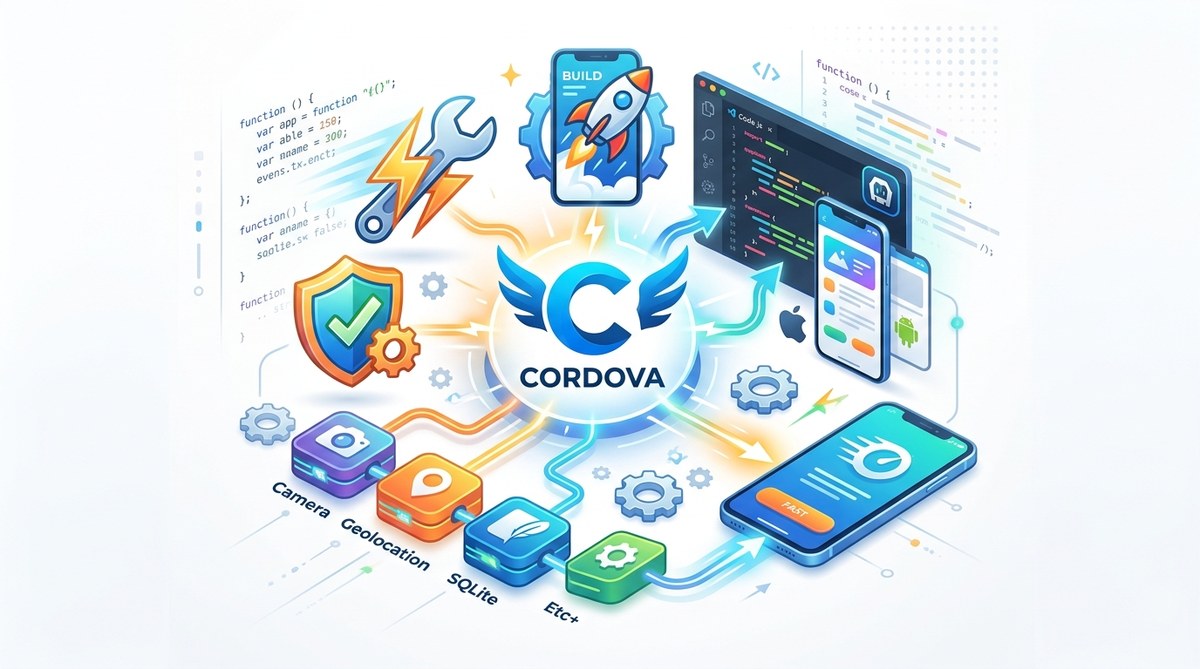
Plugins extend your app’s functionality by enabling access to device hardware like cameras, GPS, accelerometers, and more. Some must-have plugins include:
- cordova-plugin-camera: for capturing photos
- cordova-plugin-geolocation: for location services
- cordova-plugin-file: for file management
- cordova-plugin-inappbrowser: for opening external links
Using these plugins ensures your app can leverage device features efficiently.
5. Debugging and testing tools
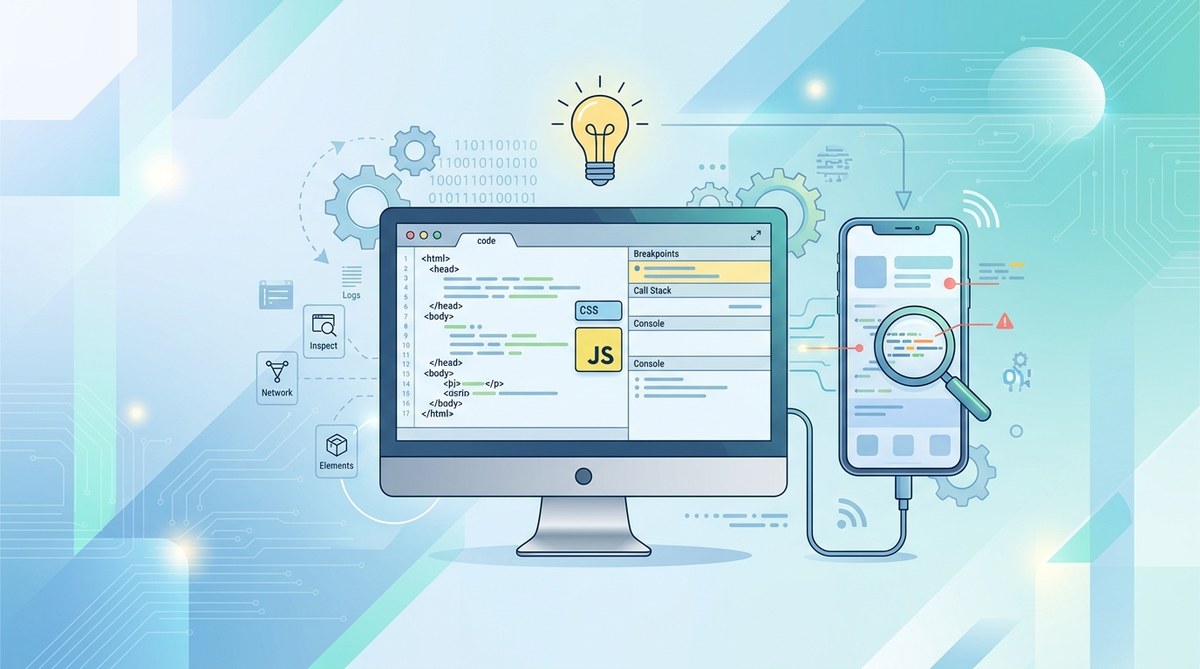
Debugging is crucial. Tools like Chrome DevTools support remote debugging of Cordova apps, allowing you to inspect and troubleshoot directly on mobile devices. Additionally, Weinre offers remote web debugging for apps running on devices.
6. Build automation with Grunt or Gulp
Automating build tasks reduces manual effort. Grunt and Gulp are popular task runners that can compile Sass, minify JavaScript, and prepare your app for deployment with minimal fuss.
7. Continuous integration platforms
Platforms like CircleCI or Jenkins can automate testing and deployment pipelines. Integrating with Cordova projects ensures your app is consistently tested across platforms, catching issues early.
8. Performance profiling tools
Performance is key. Tools like Safari Web Inspector (for iOS) and Android Profiler (in Android Studio) help identify bottlenecks, memory leaks, and other issues that impact user experience.
Practical process to integrate tools and plugins
Implementing these tools into your workflow can be straightforward. Here’s a step-by-step approach:
- Set up your development environment: Install Node.js, Cordova CLI, and your preferred code editor.
- Create a new project: Use the Cordova CLI to initialize your app.
- Add necessary plugins: Identify device features your app needs and integrate corresponding plugins via the CLI.
- Use framework integrations: Incorporate Ionic or other UI frameworks if desired for rapid UI development.
- Develop and debug: Use Chrome DevTools or platform-specific debuggers to troubleshoot.
- Automate builds: Script your build process with Gulp or Grunt.
- Test continuously: Set up CI pipelines to automate testing on multiple devices.
- Profile performance: Use profiling tools to optimize app speed and responsiveness.
Common pitfalls and how to avoid them
| Mistake | Technique to Avoid | Explanation |
|---|---|---|
| Forgetting plugin compatibility | Check plugin documentation | Ensure plugins are compatible with your Cordova version and target platforms. |
| Not testing on real devices | Use physical devices regularly | Emulators are useful but may miss hardware-specific issues. |
| Ignoring performance profiling | Regularly profile during development | Profiling helps catch slowdowns early before releasing. |
| Overloading the app with unnecessary plugins | Only include essential plugins | Excess plugins can bloat the app and cause conflicts. |
Expert tip: Always read plugin documentation thoroughly before integration. Some plugins may have platform-specific limitations or require additional setup steps.
Keeping up with the latest in Cordova tools
The Cordova ecosystem is continually evolving. Stay updated by following the official Apache Cordova documentation and community forums. New plugins and tools regularly emerge that can further streamline your workflow or add new capabilities.
Final thoughts on boosting Cordova development with the right tools
Using an arsenal of well-chosen tools and plugins can transform your Cordova projects. They help you develop faster, troubleshoot effectively, and deliver higher quality apps. Combining automation, debugging, and device feature access creates a smoother development experience and better end results.
Remember, the key is to select tools that fit your project needs and workflow. Regularly review your toolkit to incorporate new innovations. With the right resources, you can turn complex hybrid app development into a manageable, even enjoyable, process.
Harnessing tools to elevate your Cordova projects
By integrating these tools and plugins into your development process, you gain more control, efficiency, and confidence. Keep experimenting, stay curious, and make the most of what the Cordova ecosystem offers. Your next successful app is just a few tool upgrades away.