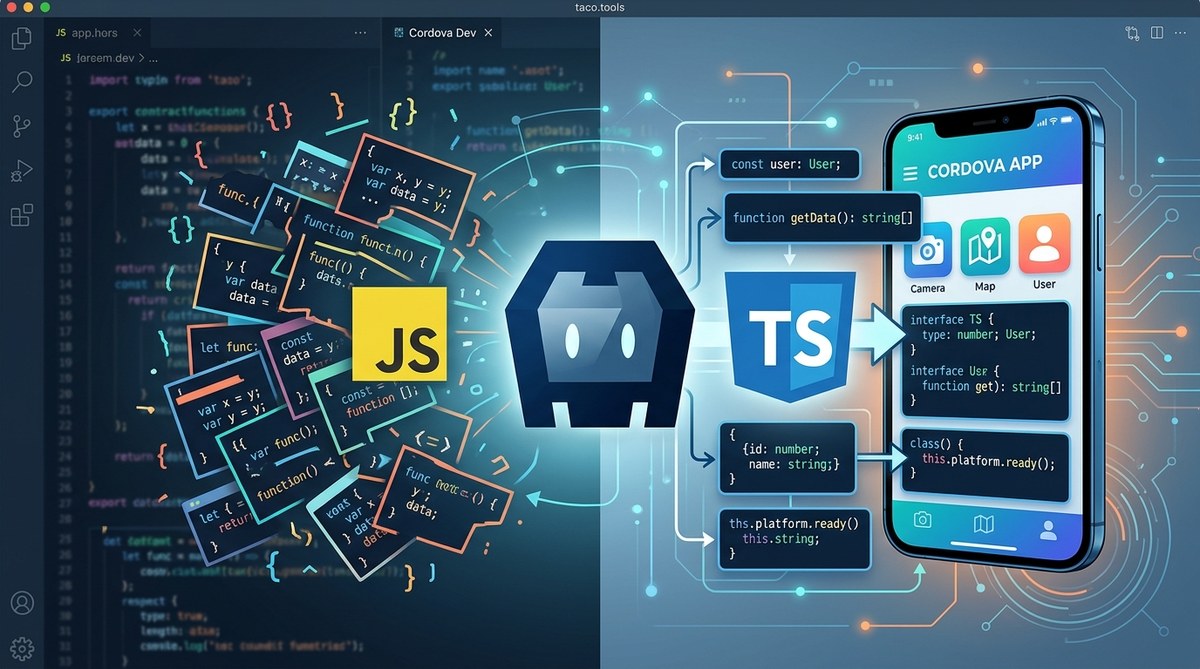
If your Cordova app is built on plain JavaScript, you’ve probably spent hours tracking down errors that only show up at runtime. A null reference crashes the app on an older Android phone. A function returns undefined because you forgot to check the type. These issues slow you down and frustrate your users. TypeScript changes that. It gives you compile-time type checking, better tooling, and a self-documenting codebase. It does not require a full rewrite. You can add it gradually to an existing Cordova project. This guide explains why TypeScript leads to cleaner, more maintainable Cordova apps and how to start using it right away.
TypeScript catches type errors at compile time, not during a user session. It integrates with Cordova plugins to provide autocomplete and documentation. Adoption does not require a full migration; you can rename .js files to .ts and gradually add types. The result is fewer production bugs, faster onboarding for new developers, and a codebase that scales.
Why TypeScript Matters for Cordova
Cordova apps are web views wrapped in a native container that interacts with device hardware through plugins. Plain JavaScript works, but it lacks guardrails. When you call navigator.camera.getPicture(), your editor cannot tell you which options are valid or what the success callback expects. You have to remember or look it up every time. TypeScript adds a layer of predictability. It describes the shape of data, function signatures, and plugin interfaces so your editor guides you as you type.
Mobile apps also have a long lifespan. An app written today might still be maintained three or four years from now. Without types, the original developer’s intent becomes hard to decode. TypeScript serves as living documentation. It tells your future teammates what a function accepts and returns, without sifting through comments or external docs.
The Biggest Pain Points Plain JavaScript Brings to Cordova
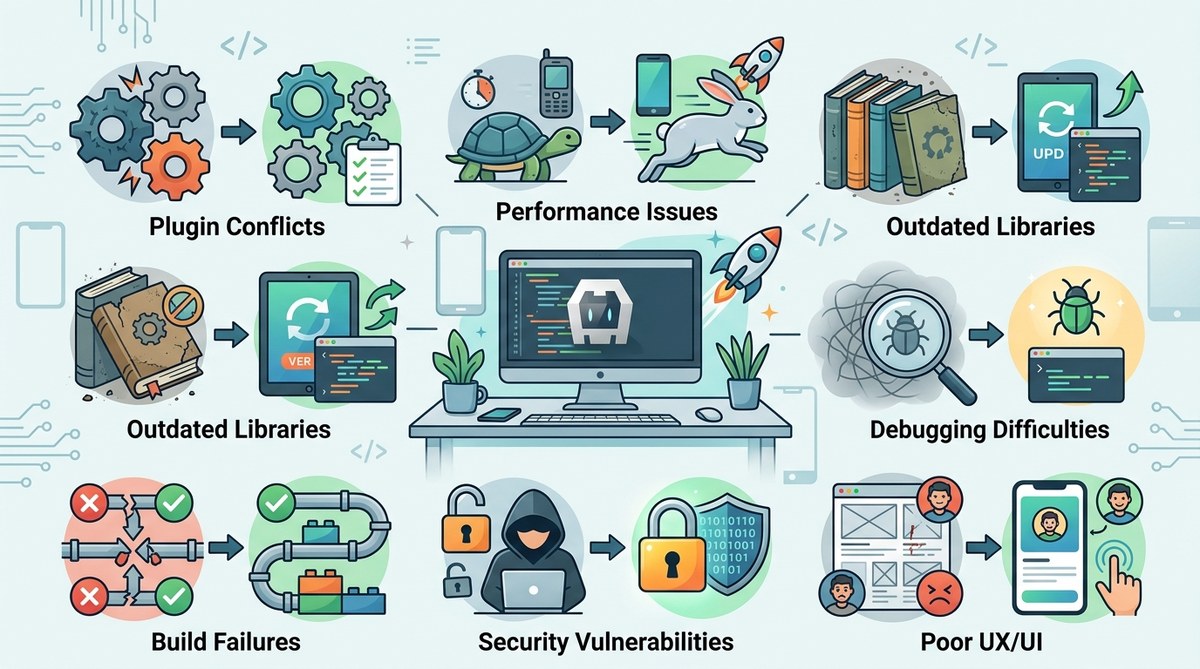
- Runtime errors from undefined properties or mismatched types
- Poor autocomplete in VS Code or WebStorm for plugin methods
- Difficult refactoring – rename a function and hope you caught every call site
- Unclear plugin callback signatures, especially for complex plugins like Camera or File
- Missing edge case handling because you cannot annotate what values are possible
These problems compound as your app grows. A small team can track them in a hundred files. A thousand files with no type safety becomes a maintenance nightmare.
How TypeScript Fixes These Problems
TypeScript addresses each pain point directly. Here is a quick comparison:
| Common Mistake in Plain JS | TypeScript Solution |
|---|---|
| Forgetting to pass a required parameter to a plugin method | The compiler flags missing arguments before you ever run the app. |
| Treating a plugin callback result as a string when it is an object | You define the exact return type, and the compiler enforces it. |
| Renaming a method in one file but not in another | TypeScript renames across all references, or shows errors for broken calls. |
| Adding a new property to a data structure and missing a filter that needs it | The compiler highlights every place that uses the old shape. |
| Using an async plugin without handling the promise rejection | TypeScript warns when you ignore a returned promise. |
Beyond these mechanical advantages, TypeScript also improves team collaboration. A new developer can open a .ts file and see exactly what each function expects. No need to run the app repeatedly just to understand the API.
A Practical Guide to Adding TypeScript to Your Cordova Project
You do not need to rewrite everything overnight. Follow these steps to introduce TypeScript into an existing Cordova project:
-
Install TypeScript and types for Cordova.
Runnpm install --save-dev typescript @types/cordova. The@types/cordovapackage provides definitions for the globalcordovaobject and common plugin interfaces. -
Create a
tsconfig.jsonfile.
Usenpx tsc --initand set"outDir": "./www/js"so compiled JavaScript lands in your Cordovawwwfolder. Enable"strict": trueto catch more errors. -
Rename your main JavaScript file to
.ts.
For example, changewww/js/index.jstowww/js/index.ts. Open it in your editor. You will see errors where types are missing. Fix them one by one. -
Add type definitions for your plugins.
Many Cordova plugins have community type definitions on DefinitelyTyped. Install them withnpm install --save-dev @types/cordova-plugin-camera(or the plugin name). For plugins without types, create a local.d.tsfile that describes the interface. -
Configure your build pipeline.
Add a script topackage.json:"build": "tsc". Then runcordova buildafter TypeScript compilation. If you use a bundler like Webpack, integrate the TypeScript loader instead. -
Migrate incrementally.
Convert one module at a time. Start with the most critical files, like the main app logic or data services. Leave less important UI files in plain JavaScript if you prefer.
For a deeper look at automating builds, see our guide on how to automate Cordova builds with GitHub Actions.
Real World Examples of TypeScript Improving Cordova Code Quality
Consider the Camera plugin. In plain JavaScript, you might write:
navigator.camera.getPicture(success, fail, { quality: 50 });
What is success supposed to receive? A string? An object? You cannot tell without checking the docs. TypeScript makes it explicit:
navigator.camera.getPicture(
  (imageData: string) => { console.log(imageData); },
  (errorMessage: string) => { console.error(errorMessage); },
  { quality: 50, destinationType: Camera.DestinationType.DATA_URL }
);
The editor now shows you that imageData is a base64 string, and destinationType accepts only specific enum values. This prevents a class of bugs where you pass the wrong constant.
Another example is the File plugin. A common mistake is assuming fileEntry.file() returns a File object synchronously. In reality it uses a success callback. With TypeScript, the callback parameter is typed as File, so you cannot accidentally call .toURL() on something that might be null.
Expert advice: Always install
@types/cordovaand plugin type packages before writing any TypeScript in your Cordova project. They save hours of guesswork. If a plugin type does not exist, write a minimal declaration file that covers only the methods you use. You can expand it later.
Common Mistakes When Starting with TypeScript in Cordova
Even with good intentions, developers slip up. Here are the pitfalls to watch for:
- Ignoring
strictmode from the start. You might be tempted to set"strict": falseto silence errors. That defeats the purpose. Live with the red squiggles now and fix them one by one. - Not updating the build script. TypeScript compiles to JavaScript, but Cordova expects the
.jsfile inwww. If yourtsconfig.jsonoutputs to the wrong directory, your app will serve stale code. - Overusing
any. It is a valid escape hatch, but using it too often turns your project back into plain JavaScript. Reserveanyfor third-party code that you cannot type perfectly. - Forgetting to declare
cordovaglobally. Without@types/cordova, the compiler complains thatcordovadoes not exist. Always install the type package first. - Assuming all plugins have types. Some community plugins lack definitions. When you encounter one, write a local declaration file or use a
declare modulestatement.
The Future of Cordova Development with TypeScript in 2026
The hybrid mobile ecosystem continues to evolve. New versions of Android and iOS introduce stricter APIs, and code quality becomes even more critical. TypeScript is not a silver bullet, but it is one of the most effective tools to keep your Cordova app stable and maintainable. As tooling improves, TypeScript support for Cordova plugins will only get better. The community is already writing more type definitions, and the Cordova team has embraced TypeScript in its own examples.
If you are starting a new Cordova project today, using TypeScript from day one is a no-brainer. If you are maintaining an existing app, the incremental migration path means you can start small and see immediate benefits. Fewer bugs, better editor support, and happier users.
Start Writing Better Cordova Apps Today
You already know the cost of chasing runtime errors in a mobile app. TypeScript reduces that cost by catching mistakes early. It does not make your code perfectly bug-free, but it makes the bugs you do introduce much easier to spot. The setup takes less than an hour, and the payoff shows up in every pull request.
Open your Cordova project, install TypeScript, and rename one file. See how the errors guide you to write safer code. Once you get used to the feedback loop, you will wonder how you ever built mobile apps without it.