Cordova app testing in 2026 is a different beast than it was even three years ago. Device fragmentation keeps growing. AI-powered testing tools are now mainstream. And hybrid apps face new challenges with operating system permissions, WebView behavior, and plugin compatibility. If you are a mobile app developer or QA engineer working with Apache Cordova, you need a strategy that fits this moment. You cannot just run a few tests on an emulator and hope for the best. Your users expect a smooth, secure, and fast experience on every device they own.
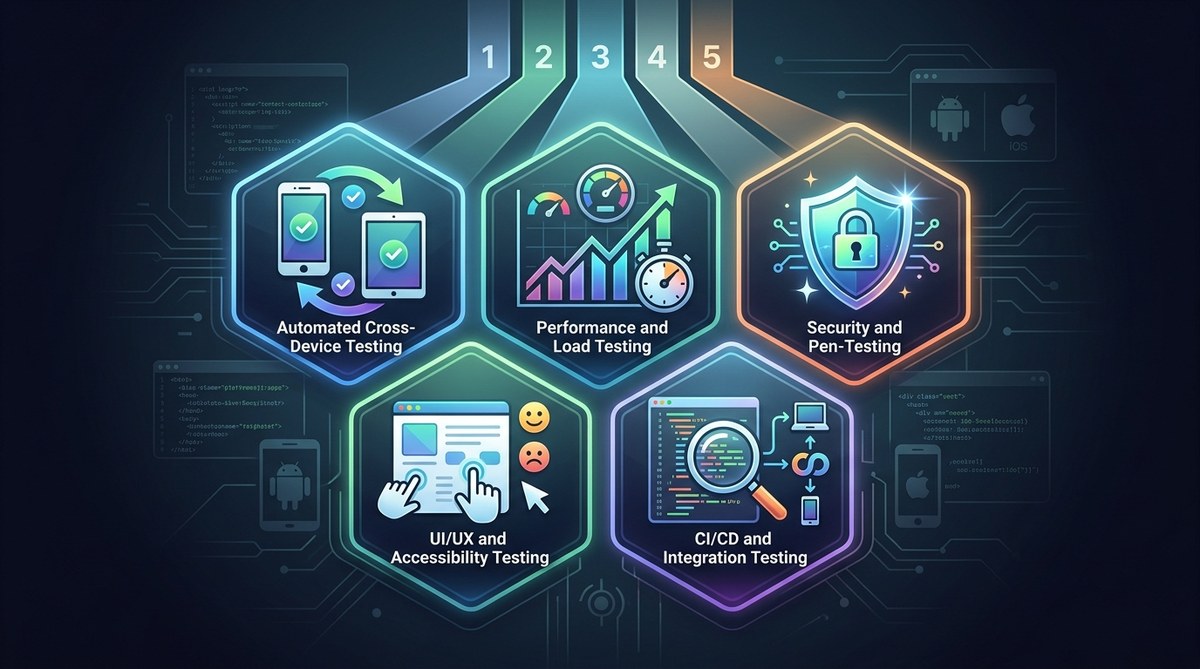
Cordova app testing in 2026 demands a mix of smart automation, real-device coverage, performance monitoring, security scans, and early CI/CD integration. Focus on the areas that break most often: plugin interactions, WebView rendering, and platform-specific quirks. Use this five-strategy framework to reduce bugs and ship with confidence.
Strategy 1: Build a Layered Emulator and Real-Device Pipeline
Emulators are great for speed. They let you test code changes fast, catch logic errors, and debug plugin calls without waiting for a build to deploy. But emulators cannot simulate everything. Sensors, camera, GPS, and push notifications behave differently on real hardware. In 2026, the gap between emulator behavior and real device behavior is still wide.
What to do:
- Use emulators for unit tests and integration tests during development. Run them on every commit.
- Maintain a small real-device farm for final validation. Include at least one device from each major Android manufacturer (Samsung, Google Pixel, OnePlus, Motorola) and the latest three iPhone models.
- Use cloud device labs (like BrowserStack or Sauce Labs) for scalability. They support Cordova apps out of the box.
This layered approach saves time without sacrificing quality. You catch the cheap bugs early and the expensive device-specific bugs before release.
Strategy 2: Automate the Tests That Actually Break
Automation is not a silver bullet. Automating every test case leads to a brittle suite that breaks on every UI change. Instead, identify the areas in your Cordova app that fail most often.
Common fragile zones in Cordova apps:
- Plugin initialization and permission dialogs
- WebView scroll and touch events
- Deep linking and URL scheme handling
- File system access across platforms
- Offline mode and data sync
Focus your automation on these. Use tools like Appium (with WebDriverIO) or Detox for end-to-end flows. For plugin testing, consider writing Cordova-specific unit tests with Jasmine or Mocha and running them in a headless WebView.
The table below shows which test types give the highest return on automation effort for a typical Cordova project.
| Test Type | Automation Value | Why |
|---|---|---|
| Plugin initialization | High | One broken plugin breaks the whole app |
| User login flow | Medium | Changes frequently; manual review still needed |
| Camera/gallery access | High | Requires real device; automate permission flow |
| Push notification response | Low | Hard to simulate; manual testing is faster |
| Offline data sync | High | Core feature; automate with mock network |
Automate the high-value tests. Leave the rest for manual exploratory testing.
Strategy 3: Stress Test Performance Under Real-World Conditions
A Cordova app that runs perfectly on your development Mac or PC can stutter on a budget Android phone with a weak signal. Performance testing in 2026 must go beyond load times. You need to test memory, battery drain, and network variability.
Check these three metrics every release:
- Memory usage during heavy UI interaction (scrolling a long list, loading images)
- Battery impact when the app runs in the background with geolocation
- App behavior on 3G, weak WiFi, and airplane mode
A blockquote from a senior QA lead I know:
"Most Cordova crashes come from memory leaks in custom plugins. We started running memory profiling on every beta build. It caught three leaks before launch last quarter. That alone saved us from a one-star rating disaster."
Use Android Studio Profiler and Xcode Instruments for native profiling. For network simulation, tools like Charles Proxy or built-in Chrome DevTools throttling work well. Also test on low-end devices, not just your flagship phone. Cordova apps are often used on older hardware in emerging markets.
Strategy 4: Security Test Every Plugin and Every API Call
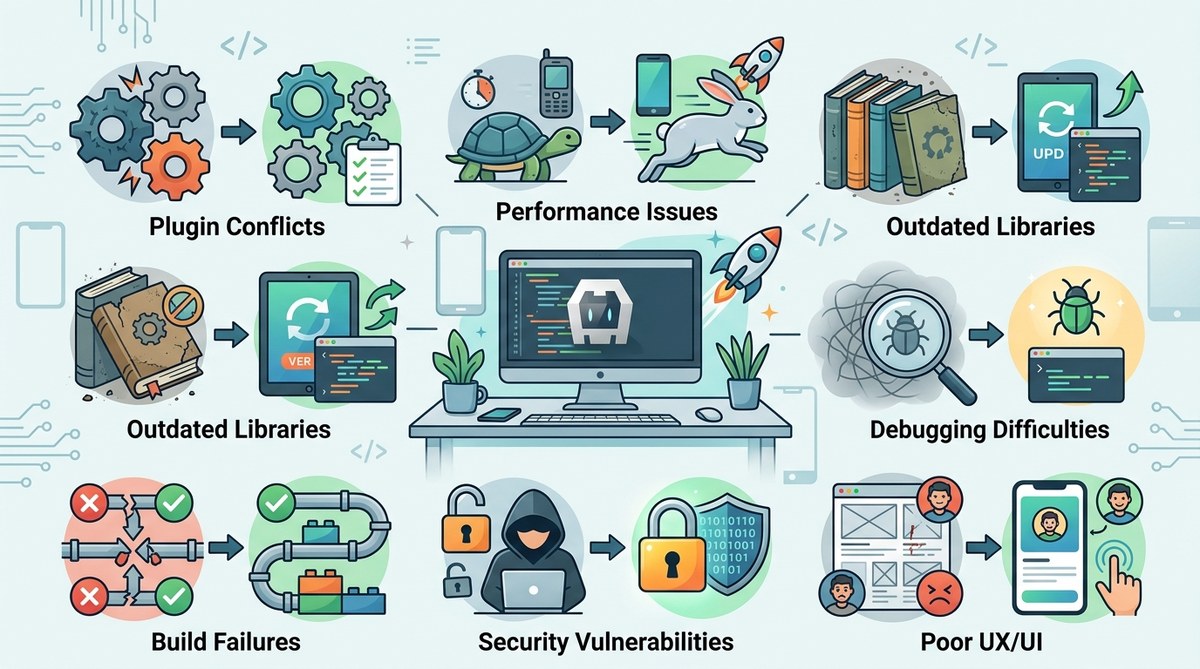
The web-to-native bridge in Cordova is a common attack vector. If a plugin has a vulnerability, it can expose the entire device. In 2026, mobile app security is under more scrutiny from app stores and regulators. You need to test for:
- Insecure data storage (local storage, SQLite databases without encryption)
- Plugin permissions that are broader than needed (e.g., a social share plugin requesting camera access)
- Unvalidated deeplink URLs that could trigger XSS in the WebView
- Hardcoded API keys or tokens in the JavaScript bundle
Automate security scans with tools like OWASP ZAP or MobSF (Mobile Security Framework). Run them on every CI build. For manual testing, review each plugin's AndroidManifest.xml and Info.plist changes after installation. If a plugin adds unnecessary permissions, alert the team.
For a deeper look at keeping your Cordova app secure, check out our guide on top best practices for building secure Cordova applications in 2026.
Strategy 5: Shift Left with CI/CD That Understands Cordova
Testing early is cheaper. But many Cordova teams still test manually right before release. In 2026, your CI/CD pipeline should run tests on every pull request. However, Cordova builds take time, and emulator tests are resource heavy. Optimize your pipeline with these three changes:
- Cache the platform builds. Store the
platforms/androidandplatforms/iosfolders between runs. This cuts build time by 60% or more. - Run unit tests in Node.js using a mock Cordova environment. Libraries like
cordova-mocklet you test plugin calls without a device. - Schedule real-device tests nightly rather than on every commit. Use a cloud device lab for the nightly run.
The goal is to get fast feedback on code changes while still catching platform-specific bugs before they reach users. For more on deployment pipelines, read our article on optimizing deployment strategies for Cordova apps in 2026.
Common Testing Mistakes That Still Happen in 2026
Even experienced teams fall into these traps. Here is a quick reference of what to avoid.
| Mistake | Why It Hurts |
|---|---|
| Testing only on emulators | Misses hardware-specific bugs (camera, NFC, sensors) |
| Automating every UI test | High maintenance cost, fragile suite |
| Ignoring plugin updates | Old plugins may have security holes or API breakage |
| Not testing offline mode | Users expect graceful degradation |
| Skipping low-end devices | The app may be unusable on 2GB RAM phones |
Avoid these and your Cordova testing will be far more effective.
Build a Testing Routine That Scales with Your Team
Cordova app testing in 2026 does not have to be overwhelming. Start with the five strategies here: layer emulators and real devices, automate the fragile parts, stress test performance, scan for security risks, and integrate testing into your CI/CD pipeline early. Then adjust as your app grows.
You do not need a huge QA team. You need a smart framework that focuses effort where it matters most. Pick one strategy to implement this week. Maybe start with the memory profiling or the plugin security scan. Small steps lead to fewer crashes and better reviews. And if you run into plugin issues along the way, our mastering Cordova plugin development for cross-platform compatibility guide can help you fix them at the source.
Your users will notice the difference. Ship with confidence.