You have a Cordova app that’s been in production for a few years. Maybe it started as a proof of concept, then grew into a core product. Now every time Apple or Google releases a major OS update, you hold your breath. A change in WebView behavior, a deprecated plugin API, or a new permission model can silently break your app for thousands of users. This isn’t a hypothetical. In 2026, OS update cycles are shorter, and the stakes are higher than ever. The good news is that you can take concrete steps to protect your app without rewriting everything from scratch. These five strategies will help you keep your Cordova app compatible, stable, and maintainable through whatever the next OS releases bring.
Cordova apps don’t have to be fragile. By auditing plugins, switching to modern WebViews, decoupling native code, testing on beta OS versions, and automating builds, you can extend the life of your app without a full rewrite. Start small: pick one plugin to update this week. The payoff is fewer crashes and less panic when the next update lands.
Why OS Updates Spell Trouble for Cordova
Cordova apps rely on a WebView to render HTML and JavaScript, with a plugin bridge to access native features. When Apple updates WKWebView (for example, changing cookie handling or storage quotas), your app might behave differently. Android’s WebView updates bring their own changes, especially around security and rendering. Meanwhile, plugins that depend on old native SDKs can stop compiling against new API levels. The result? App store rejections, user crashes, and emergency fixes.
Future-proofing isn’t about guessing what Apple or Google will do. It’s about building a process that catches problems early, so you can adapt before users are affected. The following five steps form a practical playbook for any Cordova team, whether you have a single app or a portfolio of legacy projects.
Five Practical Steps to Future-Proof Your Cordova App
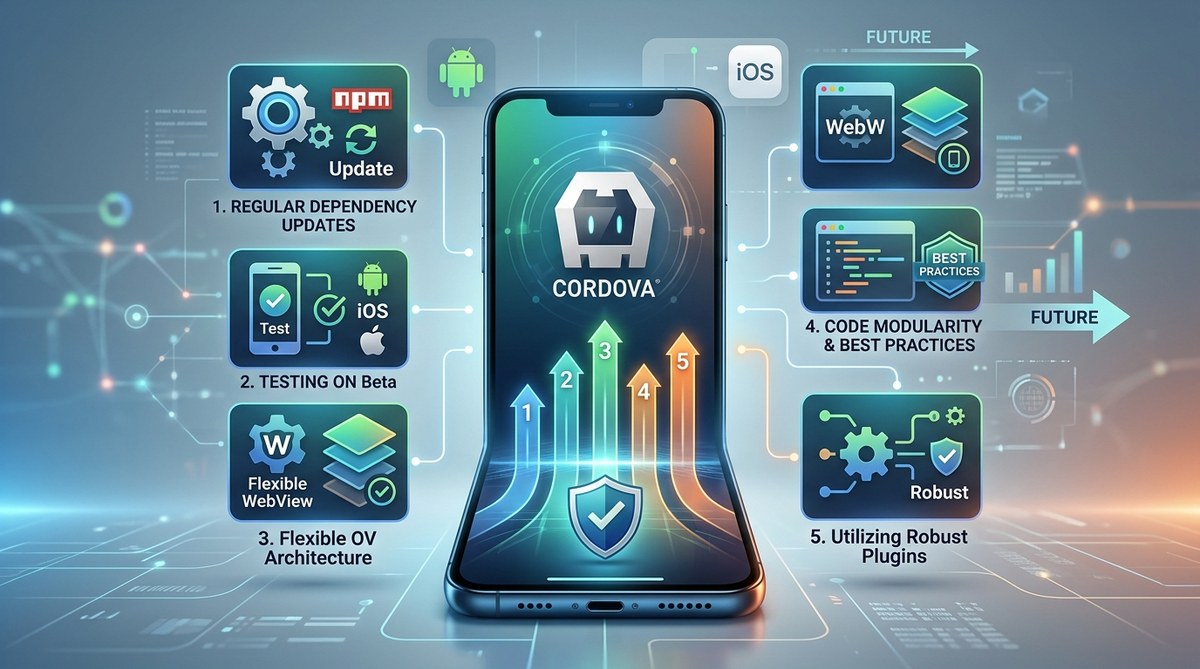
1. Audit and Update All Plugins Twice a Year
Old plugins are the number one cause of OS compatibility failures. Start by running cordova plugin list and checking the GitHub page for each one. Look at the last commit date. If a plugin hasn’t been updated in 12 months, it’s a liability. Replace it with an actively maintained fork or write a light wrapper around a native API yourself. For example, the cordova-plugin-camera often lags behind Android permission changes. Switch to a maintained version that targets API 34 or higher.
“Plugin rot is silent until an OS update breaks your build. Treat plugin maintenance like a regular health check, not a fire drill.”
— A senior mobile architect at a Fortune 500 retail company
When you update a plugin, test every feature it touches. Use a regression checklist and consider automating those tests. For guidance on plugin development, see Mastering Cordova Plugin Development for Cross-Platform Compatibility.
2. Switch to a Modern WebView Strategy
By default, older Cordova projects use the system WebView, which can be unpredictable. On iOS, you should already be using WKWebView (not UIWebView). On Android, consider embedding Chrome’s WebView or using Crosswalk (though Crosswalk is deprecated, newer alternatives like Android System WebView are fine). But more importantly, make sure your app’s HTML/CSS/JS stack doesn’t rely on features the new WebView removed. For example, Apple deprecated synchronous XMLHttpRequest in WKWebView. Audit your frontend code for deprecated APIs.
3. Decouple Native Code with a Plugin Abstraction Layer
If your app directly calls Cordova plugins inside business logic, every OS change forces a rewrite of your JavaScript. Instead, create a thin abstraction layer that isolates plugin calls. This way, when a plugin breaks, you only need to update the adapter. Think of it like an API versioning system, but for native features. For example, write a DeviceStorage service that wraps cordova-plugin-file. When the plugin changes its callback signature, you update the service, not every screen in your app. This approach also makes it easier to eventually migrate to Capacitor without rewriting the whole UI.
4. Run Weekly Integration Tests on Beta OS Versions
You don’t need to wait for the public release. Install the latest iOS and Android beta on a test device and run your automated integration suite. Many Cordova issues appear during the beta period, when plugin maintainers scramble to fix compatibilities. By catching problems early, you can file bugs with plugin authors or patch them yourself before the OS goes live. Set up a CI pipeline that runs on beta emulators using services like Firebase Test Lab or GitHub Actions. For setup help, read How to Automate Cordova Builds with GitHub Actions.
5. Maintain a Fork of Critical Plugins When Necessary
Sometimes the plugin author abandons a project, but your business depends on it. Fork the repo, apply compatibility patches, and publish your own version. Keep your fork in sync with upstream if possible, but at least you control the release cycle. This is especially important for plugins that handle payments, camera, or biometric authentication. A forked plugin gives you the power to hotfix for an emergency OS change without waiting for a third party. Document the patch process so a teammate can handle it when you’re on vacation.
Quick Checklist: Signs Your App Is at Risk
- Your
build.gradletargets a minSdkVersion below 26. - Any plugin has not been updated in the last 18 months.
- Your app uses UIWebView (iOS) or a custom WebView that’s not the system WebView.
- You have no automated tests that run on OS betas.
- Your team hasn’t reviewed plugin source code for deprecated native API calls.
- The app crashes on Android 14 or higher when accessing location or storage.
If you checked three or more boxes, you’re overdue for a future-proofing session.
Common Techniques vs. Common Mistakes
| Technique | Common Mistake |
|---|---|
| Regular plugin audits | Updating plugins without testing edge cases |
| Using WKWebView on iOS | Assuming WKWebView is automatically enabled (it isn’t by default in old projects) |
| Abstraction layer for native calls | Making the abstraction too complex, defeating its purpose |
| Beta testing on real devices | Testing only on emulators, which miss hardware-specific bugs |
| Forking abandoned plugins | Not documenting the fork process, creating bus-factor risk |
A solid future-proofing plan avoids these mistakes by keeping things simple and testing early.
When Future-Proofing Isn’t Enough: The Migration Option
If your Cordova app uses more than a dozen plugins, or if you find yourself patching the framework itself, it might be time to consider migrating to Capacitor. Capacitor is the modern evolution of Cordova, with better plugin management, direct native access, and first-class support for modern WebViews. Many of the strategies above (abstraction, WebView choice, testing) translate directly. The difference is that Capacitor’s ecosystem is more actively maintained, and its plugin system is more reliable. For a step-by-step migration plan, check out Migrating from Cordova to Capacitor: A Practical Upgrade Path for Hybrid Mobile Apps. But even if you move to Capacitor, the discipline of future-proofing stays the same.
Your Path Forward
Start with step one today. Pick the most critical plugin in your app and update it. Run your app on the latest Android and iOS betas. Then work your way through the list. You don’t need to do everything at once. Small, consistent improvements will turn your Cordova app from a ticking time bomb into a stable product that survives OS updates for years to come. And when the next Google I/O or WWDC announces breaking changes, you’ll be ready.