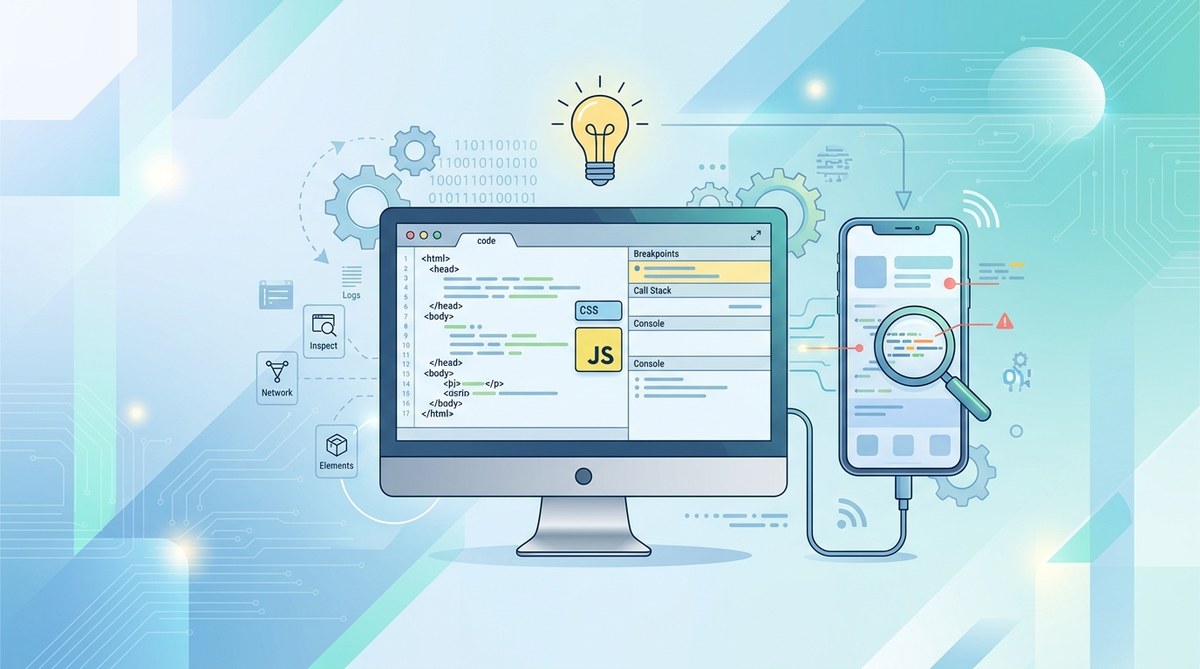
Hybrid mobile applications are a popular choice for developers aiming to build cross-platform solutions efficiently. But debugging these apps can be tricky, especially when issues are platform-specific or stem from plugin conflicts. Having a solid debugging process is vital to ensure your hybrid app functions smoothly on all devices. This guide walks you through proven practices to troubleshoot and resolve common problems in Cordova-based projects with confidence.
Mastering debugging techniques for Apache Cordova involves understanding platform-specific tools, systematically isolating issues, and utilizing effective diagnostics. This approach ensures your hybrid apps perform reliably across devices and OS versions, leading to happier users and fewer support headaches.
Understanding the Unique Challenges of Debugging Hybrid Apps
Debugging hybrid apps with Apache Cordova differs from native app troubleshooting. Since Cordova bridges web technologies and native APIs, bugs can originate from HTML, CSS, JavaScript, plugins, or platform-specific quirks. Identifying the root cause requires a strategic approach.
Common issues include inconsistent plugin behavior, performance bottlenecks, and platform-specific rendering glitches. Problems often surface only on certain devices or OS versions, making it essential to have targeted debugging methods for each platform.
Essential Tools for Debugging Cordova Apps
To effectively troubleshoot your hybrid application, you should leverage the right set of tools tailored to each platform. Here’s an overview of go-to debugging tools:
- Chrome DevTools: For Android and Chrome-based WebView debugging, Chrome DevTools provides powerful inspection and profiling features. You can connect your device via USB or use remote debugging.
- Safari Web Inspector: For iOS devices, Safari’s Web Inspector allows you to debug WebViews and inspect network requests, console logs, and DOM structure.
- Xcode Debugger: For native iOS debugging, Xcode offers detailed crash logs, performance profiling, and instrument tools.
- Android Studio: Use this IDE to debug native code, monitor logs with Logcat, and profile app performance.
- weinre: A remote debugging server that works over the network, useful when direct device connection isn’t feasible.
- Ripple Emulator: A browser-based Cordova emulator for quick testing, though less suitable for deep debugging.
- BrowserStack or Sauce Labs: Cloud-based device farms offer testing across many devices and OS versions, helping catch platform-specific bugs.
Step-by-Step Debugging Procedure for Hybrid Apps
Follow this structured process to isolate and fix issues efficiently:
- Reproduce the problem consistently: Make sure you understand exactly when and how the bug occurs. Note device, OS version, and app state.
- Check console logs: Use Chrome DevTools or Safari Web Inspector to view logs. Look for errors, warnings, or deprecated API usage.
- Inspect network activity: Verify API calls, plugin communications, and resource loading. Use network tab in your browser’s dev tools.
- Test plugin functionality: Some bugs stem from plugin conflicts or outdated versions. Review plugin documentation and test plugins individually.
- Profile performance: Use profiling tools to identify slow renders, memory leaks, or unresponsive UI components.
- Test on multiple devices: Browser emulators are helpful but real device testing uncovers device-specific issues.
- Isolate problematic code: Comment out recent changes, disable plugins, or simplify the app to locate the cause.
- Update dependencies: Make sure Cordova CLI, platform SDKs, and plugins are current. Sometimes bugs are fixed in newer versions.
- Use remote debugging: Connect physical devices to your development machine and debug live to see real-time issues.
- Document findings: Keep track of errors, steps taken, and solutions applied for future reference.
Common Pitfalls and How to Avoid Them
| Technique or Mistake | Why It Matters | How to Fix or Avoid |
|---|---|---|
| Relying solely on emulator testing | Emulators do not replicate all device quirks | Always test on actual hardware, especially for performance issues |
| Ignoring plugin conflicts | Plugins can interfere, causing unpredictable bugs | Disable plugins one by one to identify conflicts |
| Using outdated SDKs or plugins | Outdated components may cause errors | Regularly update Cordova, platform SDKs, and plugins |
| Missing platform-specific debugging | Issues may only occur on iOS or Android | Use platform-specific tools for targeted troubleshooting |
| Not inspecting network requests | API failures or resource loading issues are common | Utilize dev tools’ network tab for detailed request info |
Practical Tips for Smooth Debugging Sessions
- Enable verbose logging: Adjust log levels to get more detailed output during troubleshooting.
- Use device logs: For Android, run
adb logcatto monitor real-time logs. For iOS, check Xcode logs. - Clear caches and rebuild: Sometimes issues stem from cached files. Use
cordova cleanand rebuild your project. - Utilize platform-specific debugging plugins: Plugins like Weinre or RemoteWebDebugging can simplify remote troubleshooting.
- Keep documentation handy: Reference Cordova’s official docs and plugin repositories for known issues and solutions.
“Always test your fixes on a variety of devices. What works on one device might not on another. The more diverse your testing, the more resilient your app becomes.” — Expert Developer
Wrapping Up: Making Debugging a Habit
Effective debugging is a continuous process. As your app evolves, new issues may arise. Regularly refining your debugging workflow ensures you can identify and resolve problems quickly. Remember to keep your tools updated, document your findings, and test across multiple platforms.
By adopting these best practices, troubleshooting your Cordova hybrid applications becomes less daunting. The key is to stay methodical, leverage the right tools, and test on real devices whenever possible. This approach not only enhances app stability but also boosts your confidence in delivering reliable cross-platform solutions.
Final thoughts on mastering hybrid app debugging
Jumping into the world of hybrid app development means facing unique debugging challenges. Embrace a systematic approach, use platform-specific tools, and stay patient. Your efforts will lead to smoother user experiences and fewer support headaches. Keep practicing these techniques, and soon troubleshooting will feel more like solving puzzles than fighting fires.