Your Cordova app has been a reliable workhorse. It got you to market, it validated your idea, and it built a loyal user base. But in 2026, the cracks are starting to show. iOS updates break your WebView. Android performance lags behind competitors. Your team spends more time patching legacy code than shipping new features. The decision to rebuild in Flutter feels inevitable, but it also feels terrifying. How do you move forward without asking your existing users to start over? How do you migrate a Cordova app to Flutter without triggering a flood of one-star reviews?
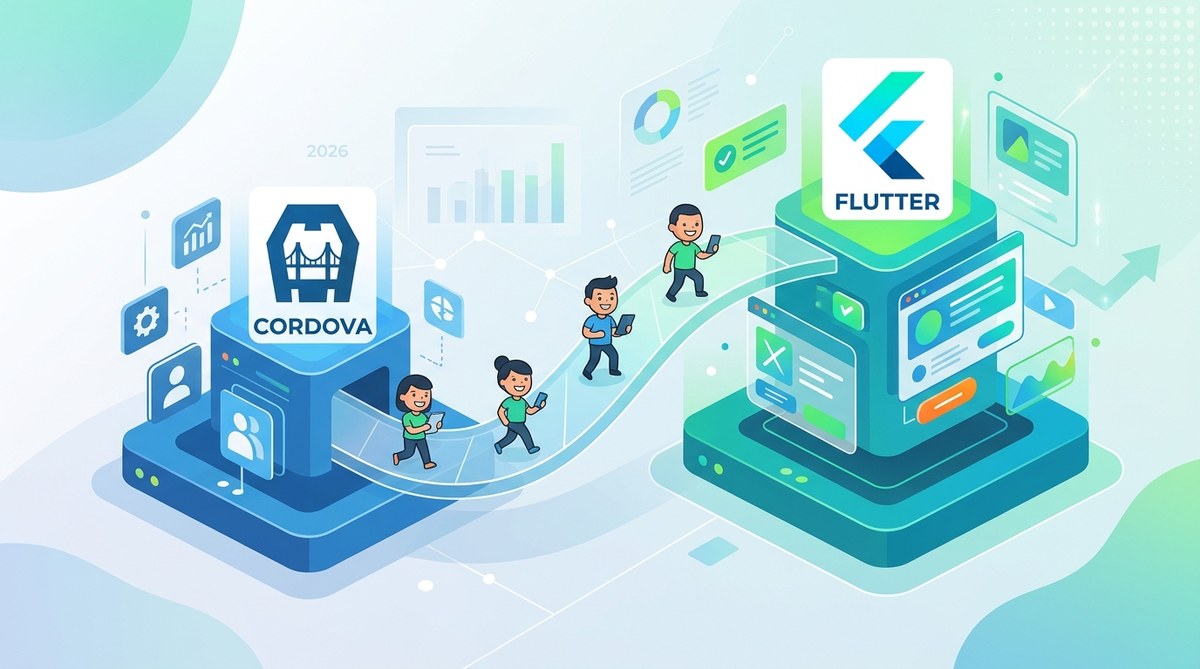
The answer is a phased, user-first migration strategy. You don’t flip a switch. You build a parallel Flutter app, validate it with a subset of your audience, and then gradually shift traffic while preserving every account, every saved preference, and every bit of trust your users have given you. Let’s walk through exactly how to do that.
The safest way to migrate Cordova app to Flutter is a phased rollout that keeps your existing app live while you build and test the new version. Focus on data continuity, feature parity for your top 20% of features, and a gradual user onboarding plan. Use shared backend services and feature flags to control the transition. This approach protects your user retention and gives you room to fix issues before they affect your entire audience.
Why Cordova Is Holding You Back in 2026
Cordova served a purpose. It let you build a mobile app using web technologies like HTML, CSS, and JavaScript. That was a huge win for teams without native iOS or Android experience. But the mobile landscape has shifted.
Performance ceilings are the biggest pain point. Cordova apps run inside a WebView, which adds overhead. Every UI interaction has to go through that browser layer. Flutter, by contrast, compiles to native ARM or x86 code. It draws its own pixels using Skia, the same graphics engine used in Google Chrome and Android. That means faster scroll, smoother animations, and lower battery drain.
Platform restrictions are getting worse. Apple’s iOS 2026 update introduced stricter sandboxing for WebView-based apps. Some of your Cordova plugins may already be broken. The 5 Ways to Future-Proof Your Cordova Apps Against OS Updates guide covers some workarounds, but they are temporary fixes. Flutter gives you direct access to platform APIs without the WebView middleman.
Developer experience matters more than ever. Dart, the language behind Flutter, is typed, compiled, and fast. It catches errors before you run the app. Cordova’s JavaScript toolchain relies on runtime debugging, which slows down your team. If you have ever spent an afternoon tracking down a race condition in a Cordova plugin, you know the pain.
The Three Risks of Migrating Cordova App to Flutter
Before we get into the how, let’s acknowledge the risks. A migration can fail in three ways:
- Data loss. Users lose their accounts, their purchase history, or their saved settings. They will not come back.
- Broken functionality. Your new Flutter app ships without a feature your power users rely on. They leave bad reviews and never update.
- Confusion. Users see a new app icon, a new login screen, and no clear path forward. They uninstall.
Every step in this guide is designed to mitigate those three risks. You are not rebuilding from scratch. You are porting user trust along with the code.
The 5-Step Plan to Migrate Cordova App to Flutter
Here is the numbered process that has worked for teams moving from Cordova to Flutter in production.
Step 1: Audit Your Existing Cordova Code
You cannot migrate what you do not understand. Start by cataloging every plugin, every custom JavaScript bridge, and every third-party API your Cordova app uses.
- List all Cordova plugins. Note which ones have Flutter equivalents.
- Identify your top 20% of features by usage. These are the features your users open the app for every day.
- Document your data schema. How does your app store user preferences? Is it SQLite, local JSON files, or a remote API?
This audit becomes your migration roadmap. Features that fall outside the top 20% can wait for a later release. Focus on parity for the core experience first.
Step 2: Build a Shared Backend Layer
Your existing Cordova app talks to a server. That server handles authentication, data sync, and push notifications. Do not touch it yet. Keep the same backend running for both apps.
- Use feature flags on the server side. When a user logs in from the Flutter app, the server can return a slightly different payload if needed.
- Keep the same user ID schema. This ensures that when a user switches from Cordova to Flutter, their account data carries over without a migration script.
A shared backend means you can release the Flutter app without migrating any data upfront. The data stays where it is. The new app just reads and writes the same way the old one did.
Step 3: Build the Flutter App with Feature Parity for Core Flows
Start with the three most common user journeys. For a shopping app, that might be browse, add to cart, and checkout. For a productivity app, it might be login, view dashboard, and create a new item.
- Use Flutter’s
go_routerfor navigation andproviderfor state management. - Rebuild the UI using Flutter’s Material widgets. They look native on both iOS and Android without extra styling.
- Write widget tests for each core flow. Flutter’s test framework is fast and reliable.
Do not try to replicate every edge case from your Cordova app. Some features are rarely used. Some are bugs that users have learned to work around. Use this opportunity to clean up your product.
Step 4: Run a Soft Launch with a Trusted User Segment
You need real feedback before a full rollout. Pick a segment of your user base that is loyal and forgiving. Beta testers, long-term subscribers, or users who have given positive reviews in the past.
- Send them an email with a direct download link to the Flutter app.
- Include a clear call to action: “Try the new version. Your account and data will work the same.”
- Monitor crash reports, app store ratings, and support tickets for the first two weeks.
This is where you catch the issues that unit tests miss. Maybe the font size is too small on a specific Android device. Maybe the checkout flow works differently than users expect. Fix these before you open the floodgates.
Step 5: Gradual Rollout with a Sunset Date
Once the soft launch is stable, start directing new users to the Flutter app. Update your app store listings to point to the new version. Then, set a sunset date for the Cordova app.
- Announce the sunset date in-app for Cordova users. Give them 60 to 90 days to switch.
- Offer an incentive. A free month of premium access or a one-time credit for completing the migration.
- On the sunset date, disable the Cordova app’s login and show a screen that says “Please download the new version to continue.”
This phased approach avoids the shock of a forced update. Users feel in control because they choose when to move.
Common Migration Mistakes and How to Avoid Them
| Mistake | Why It Hurts | The Fix |
|---|---|---|
| Rewriting the entire UI at once | Delays launch and hides bugs until the end | Ship core flows first, then iterate |
| Changing the data schema during migration | Breaks existing user data | Keep the same schema; refactor later |
| Skipping the soft launch | You discover issues after 100% of users see them | Start with a 5% user segment |
| Not updating app store descriptions | Users think the old app is still the main one | Update listings as soon as the Flutter app is stable |
| Ignoring Cordova plugin replacements | A missing feature blocks power users | Map each plugin to a Flutter package or write a Dart wrapper |
What to Do with Your Cordova Plugins
Your Cordova app probably uses plugins for camera access, geolocation, push notifications, or file storage. Flutter has first-party or community packages for almost all of these.
- For camera and image processing, use the
camerapackage or theimage_pickerpackage. - For geolocation, use the
geolocatorpackage. - For push notifications, use Firebase Cloud Messaging or a platform-specific Dart package.
If a plugin has no direct Flutter equivalent, you have two options. You can write a Dart wrapper around the native iOS or Android API using method channels. Or you can refactor the feature to use a server-side alternative. The Mastering Cordova Plugin Development for Cross-Platform Compatibility guide explains how to identify which plugins are worth porting and which should be replaced.
“The biggest trap teams fall into is trying to port every single Cordova plugin exactly as-is. Instead, ask yourself: does this feature need to exist at all? Many plugins exist to work around Cordova’s limitations. Flutter removes those limitations, so the plugin becomes unnecessary.” — Senior mobile architect at a top-10 retail app
How to Handle User Accounts and Saved Data
This is the most sensitive part of any migration. Users have spent months or years building their profile, their favorites list, or their purchase history inside your Cordova app. Lose that data and you lose the user.
For authenticated users: Keep the same authentication provider. If you use Firebase Auth, Auth0, or a custom JWT system, the Flutter app can use the exact same tokens. The user logs in with their existing email and password. No account migration needed.
For local data: Cordova apps often store data in SQLite or local JSON files. You cannot access those files from Flutter directly because they are stored in the Cordova app’s sandbox. Instead, prompt users to sync their data to the cloud before switching. Build a one-time export button in the Cordova app that uploads their local data to your server. The Flutter app then pulls that data down on first login.
For anonymous users: Some users never create an account. They just use the app. In that case, you need to generate a device-specific token in the Cordova app and pass it to the Flutter app during installation. This is tricky and requires careful testing. If possible, encourage anonymous users to create an account before the sunset date.
Testing Your Flutter App Against Cordova Behavior
Your users have muscle memory. They know exactly where the settings button is. They expect the search to work a certain way. If the Flutter app behaves differently, they will notice.
- Run A/B tests comparing task completion times in the Cordova app versus the Flutter app.
- Use Flutter’s integration testing framework to simulate user flows.
- Ask your beta testers to report any behavior that feels “off” even if it is not technically a bug.
The goal is not pixel-perfect replication. The goal is that users feel at home within the first five minutes. If they can find the search bar and complete their primary task without hesitation, you have succeeded.
The Timeline: How Long Should the Migration Take?
A full migration from Cordova to Flutter typically takes 4 to 6 months for a medium-complexity app. Here is a rough breakdown:
- Month 1: Audit, backend setup, and Flutter environment configuration.
- Months 2-3: Build core feature set and write tests.
- Month 4: Soft launch with beta users and bug fixes.
- Months 5-6: Gradual rollout, app store updates, and Cordova sunset.
If your app has heavy native integrations like camera processing or Bluetooth, add a month for plugin replacement and testing.
Keeping Your Users Informed Throughout the Process
Communication is your retention tool. Users who feel blindsided will leave. Users who feel included will stay.
- Send an email announcement two months before the Flutter app launch. Explain the benefits: faster performance, better security, new features coming soon.
- Send a reminder one month before the sunset date.
- On the sunset date, send a final email with a direct link to download the Flutter app.
Use in-app banners in the Cordova app starting two months out. Keep the messaging consistent and honest. “We are building a faster, more secure version of this app. Your account and data will transfer automatically.”
Why This Approach Works for Product Managers and Developers
Product managers care about retention. Developers care about maintainability. This phased migration serves both.
- Retention stays high because users never lose access to their data.
- The Flutter codebase is cleaner and easier to maintain than the Cordova one.
- Your team gains experience with Dart and Flutter, which opens the door to faster feature development in the future.
The alternative is a big bang migration where you build for six months in secret, release a new app, and hope users find it. That approach fails because it ignores the human side of software. Users do not care about your tech stack. They care that the app works and that their stuff is safe.
Your Next Steps Start Today
You do not need to have the entire Flutter app built to start the migration. The first step is free. Open your Cordova project. List every plugin. Note your top three user flows. That audit alone will tell you whether the migration is a three-month project or a six-month project.
Then, set up a shared backend if you do not already have one. This is the foundation that makes the rest of the migration possible.
The teams that succeed are the ones that start small, test early, and communicate with their users at every stage. Your Cordova app got you this far. Your Flutter app will take you further. The transition does not have to be painful. It just has to be planned.
If you want to dig deeper into specific parts of the process, the 5 Essential Testing Strategies for Cordova Apps in 2026 guide covers how to validate your migration, and the Top Tools and Plugins to Accelerate Cordova App Development article helps you identify which Cordova plugins have direct Flutter equivalents.
Start your audit this week. Your users will thank you next year.